Forge pixels.
Ship sprites.
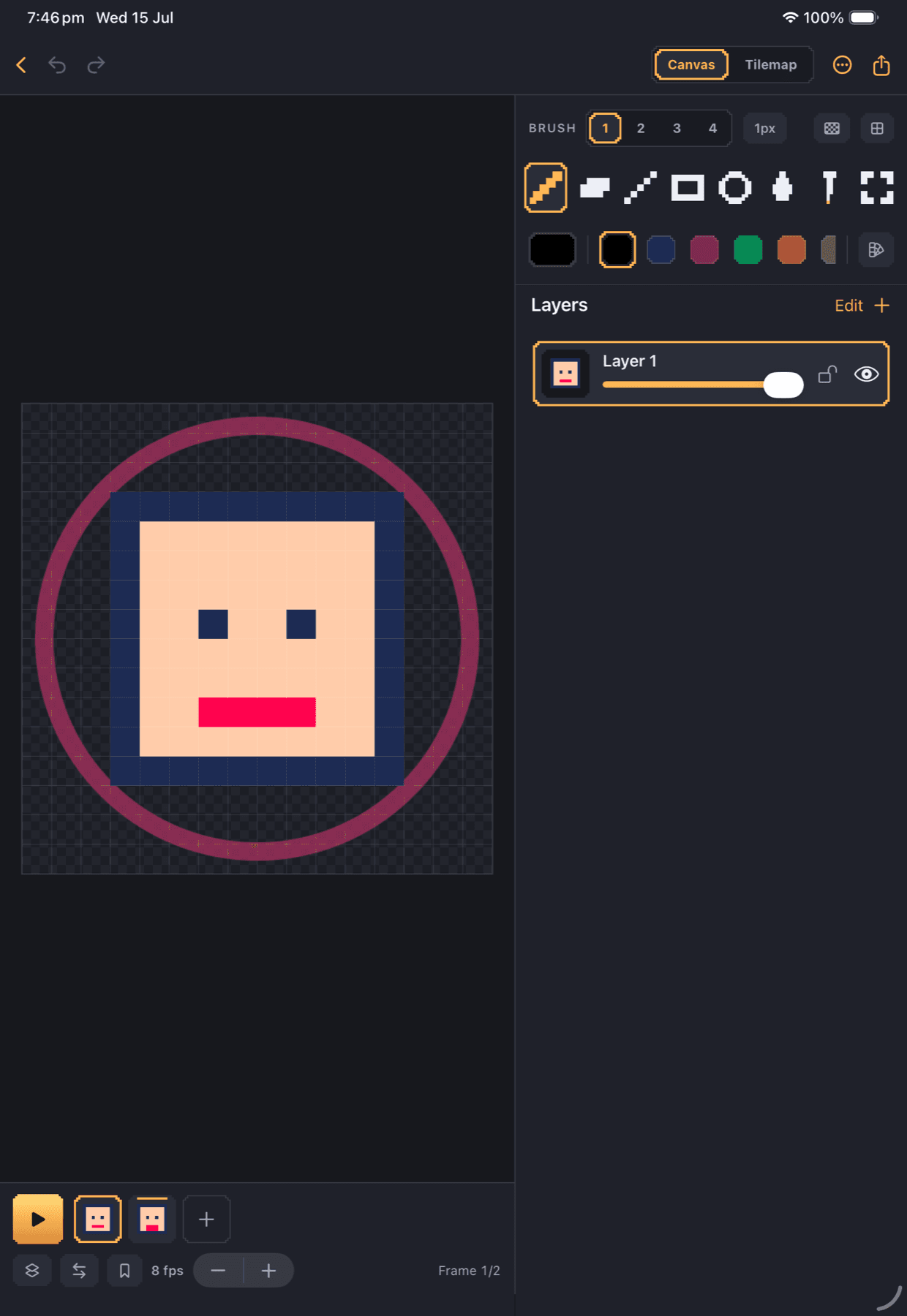
Dotsmith is a pixel art studio for iPhone and iPad, built for game developers and pixel artists — draw, animate, and autotile game-ready art, then drop it straight into Aseprite, Godot, Unity, or Tiled.
No accounts. No subscriptions. No AI. Your art never leaves your device unless you export it.
Terrain Brush
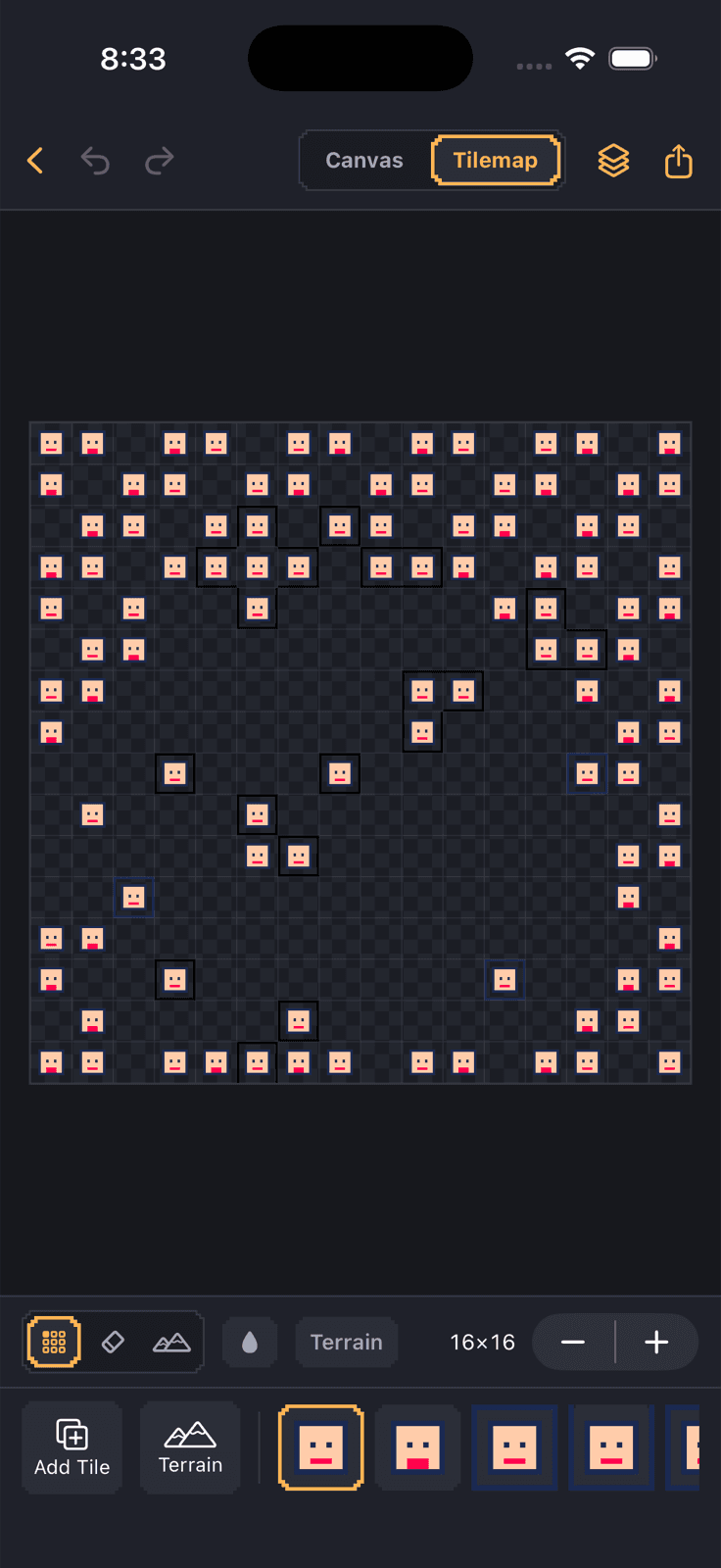
Paint where terrain exists and the right edge and corner tiles place themselves — Wang-16 and blob-47 autotiling, a first on iOS. Generate a working tile set from any frame in one tap.
Aseprite, both directions
Import and export .aseprite files with layers, frame timings, and tags intact. Your iPad work drops straight into your desktop pipeline — and back.
Engine-ready export
Tilemaps as Tiled .tmx/.tsx or Godot TileSet resources with the sprite sheet included. Plus PNG, animated GIF, MP4, and sprite-sheet strips.
A real animation kit
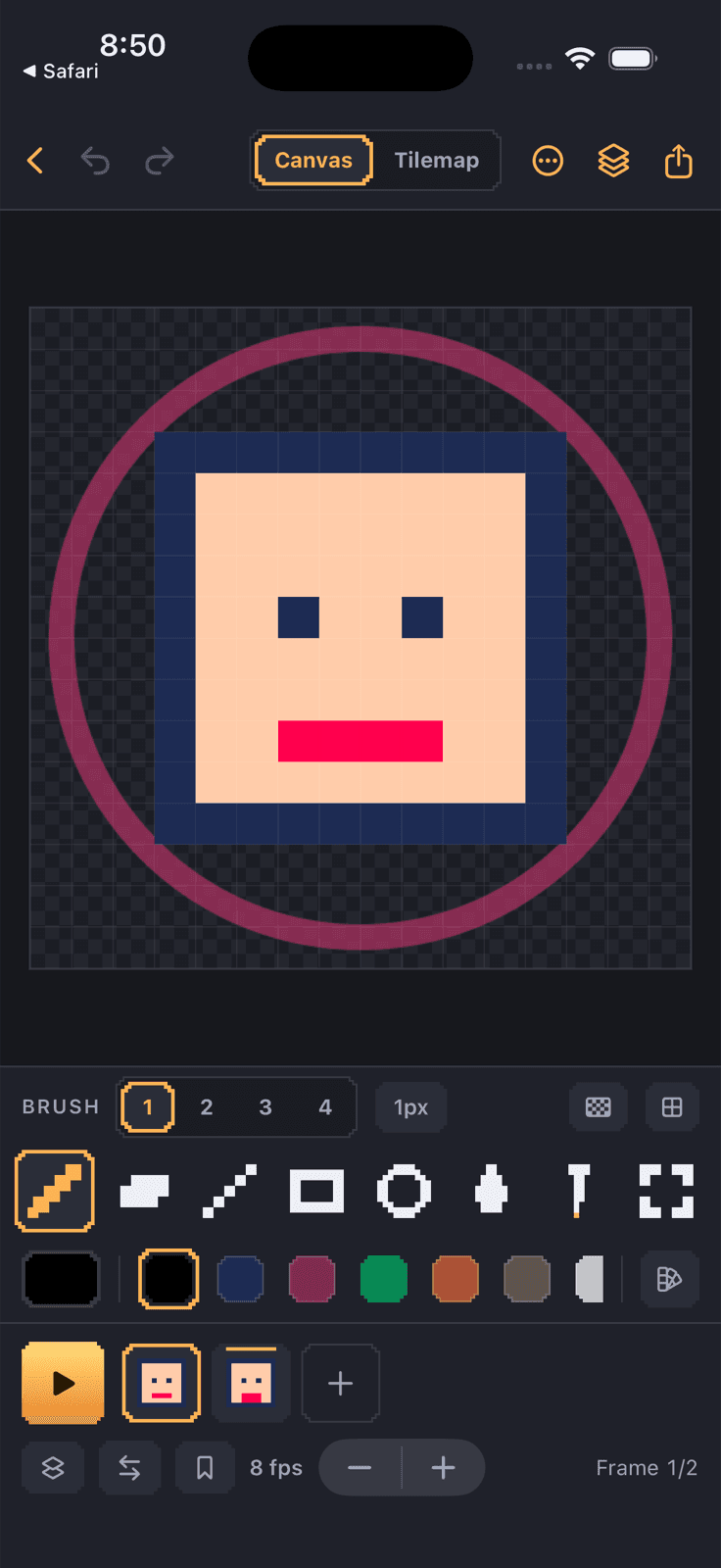
Onion skinning, named frame tags with loop-range playback, per-frame durations, ping-pong, and live playback while you draw.
Serious pixel tools
Rect, lasso, and wand selection with float-and-move. Bayer dithering, mirror symmetry, alpha lock, pixel-perfect strokes, flood fill with tolerance, and reference-image tracing.
Made for Apple Pencil
Pencil draws while fingers pan, hover previews the cell under the tip, and double-tap swaps to the eraser. Two-finger tap to undo. Forge (dark) and Workshop (light) themes.
Draw the terrain.
Dotsmith picks the tiles.
Turn any frame into a full autotile set in one tap, then paint with the Terrain Brush — edges, corners, and interiors resolve themselves as the shape grows. Export the result as a Tiled map or a Godot TileSet and it's in your game the same minute.
.aseprite · .tmx / .tsx · .tres · .png · .gif · .mp4